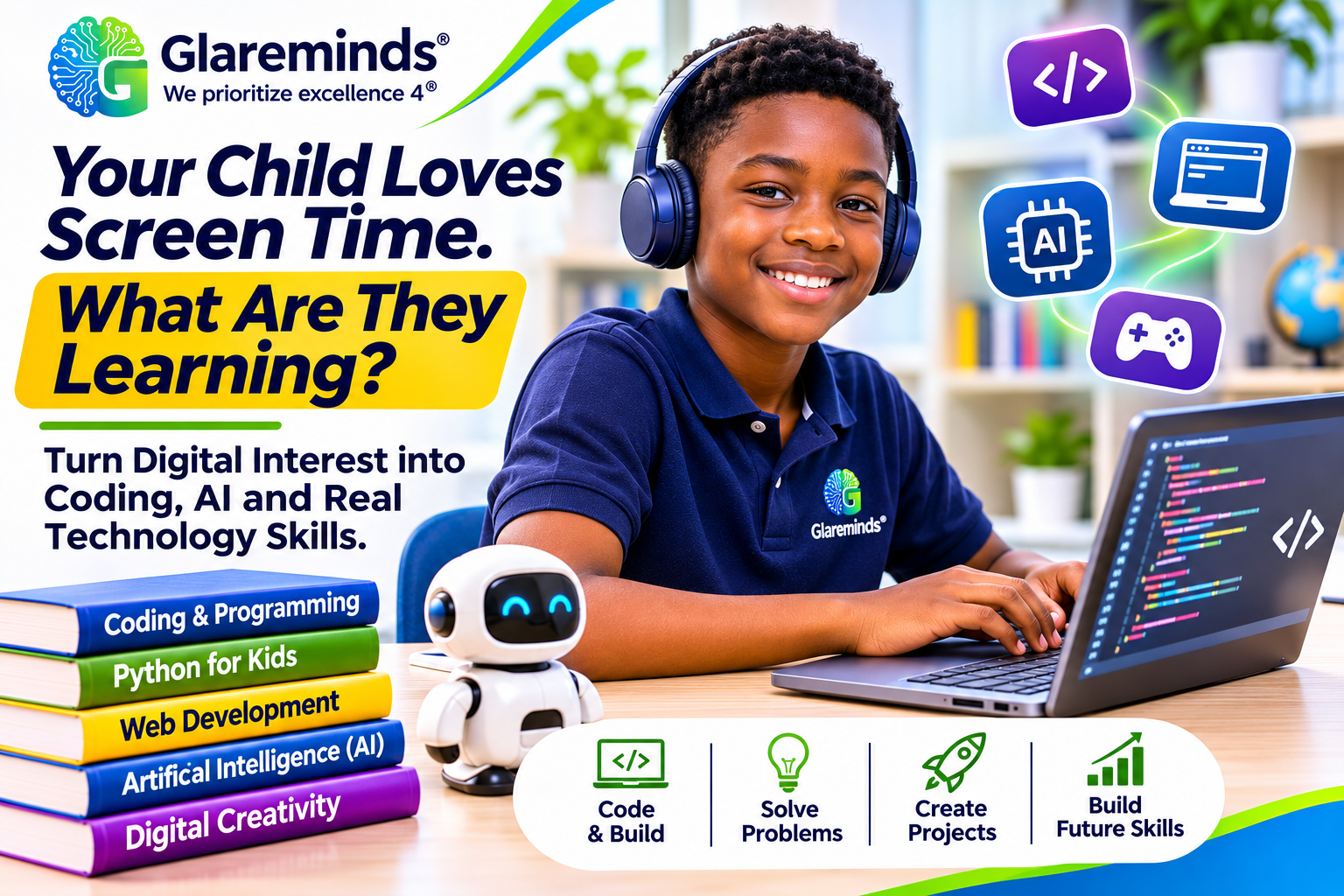
Your child spends hours on a computer, tablet or smartphone. But are they learning anything that could prepare them for the future?
Many parents are concerned about how much time their children spend using digital devices.
A child may spend several hours watching YouTube videos, playing online games, browsing websites, chatting with friends or exploring different applications.
Sometimes, parents assume that because their children are comfortable using technology, they are developing the digital skills they will need in the future.
However, there is an important difference between using technology for entertainment and understanding how technology works.
A child who spends three hours playing computer games may become very familiar with gaming controls, but that does not automatically mean they can write a simple computer program, build a website, understand how artificial intelligence works or solve problems using technology.
The opportunity for parents is to move beyond simply limiting screen time and begin introducing more purposeful digital activities.
With the right guidance, some of the time children already spend using computers can become an opportunity to develop creativity, logical thinking, problem-solving and practical technology skills.
At Glareminds, we believe children should not only learn how to use technology. They should also have opportunities to understand it, create with it and develop the confidence to build their own digital projects.
1. Understand the difference between consuming technology and creating with it
There are two broad ways children interact with technology.
Technology consumption involves using digital devices mainly for entertainment or accessing information.
Examples include:
- Watching videos on YouTube.
- Playing online games.
- Scrolling through social media.
- Watching movies and cartoons.
- Browsing websites.
- Using entertainment applications.
These activities are not necessarily harmful. Children can enjoy entertainment and still have a healthy relationship with technology.
However, consumption alone does not provide the same learning opportunities as creating something.
Technology creation involves using digital tools to produce, design, build or solve problems.
Examples include:
- Creating a simple website.
- Building a basic computer game.
- Designing digital graphics.
- Writing simple Python programs.
- Creating animations.
- Developing a small educational application.
- Using AI tools to explore ideas and solve problems.
The difference is important.
Instead of spending all their computer time watching what other people have created, children can begin developing the ability to create things themselves.
2. Introduce your child to coding at an appropriate age
Coding is one of the most useful ways to introduce children to the creative side of technology.
It teaches them how to give instructions to computers and solve problems through logical steps.
However, coding does not need to begin with complicated programming languages.
Children can start with visual programming environments that use blocks, characters and simple commands.
For example, a child can learn to:
- Move a character across a screen.
- Create a simple animation.
- Build a basic interactive story.
- Design a small game.
- Use conditions to control what happens.
- Understand repetition through loops.
As their confidence grows, they can progress to text-based programming languages such as Python or JavaScript.
The important thing is to introduce concepts progressively.
A child who successfully builds a simple interactive game may become more interested in understanding how the software works.
That curiosity can become the foundation for more advanced technology education.
3. Let your child explore Python programming
Python is a popular programming language used in areas such as software development, data analysis, automation and artificial intelligence.
Its relatively readable syntax makes it a useful language for introducing beginners to programming.
Children who have developed basic logical thinking can begin exploring Python through small projects.
For example:
A simple addition programme
number1 = 10
number2 = 5

answer = number1 + number2

print(answer)
A child can learn that the computer stores values, performs an operation and displays the result.
As their skills develop, they can create:
- Simple calculators.
- Number-guessing games.
- Quiz applications.
- Basic mathematical tools.
- Interactive stories.
- Simple data projects.
These projects help children understand that programming is not simply about memorising commands.
It is about breaking problems into smaller steps and developing instructions that solve them.
4. Introduce website development
Children who enjoy exploring websites may be interested in learning how websites are created.
Website development provides a practical way to combine creativity, problem-solving and technology.
They can begin by learning three important technologies:
HTML: Used to structure the content of a webpage.
CSS: Used to style and design webpages.
JavaScript: Used to add interactivity and functionality.
A beginner might start by creating a personal webpage containing:
- A heading introducing themselves.
- A short paragraph about their interests.
- A photograph or illustration.
- A list of favourite activities.
- A simple navigation section.
As their skills improve, they can develop a small portfolio website, a school project website or a basic interactive application.
The satisfaction of seeing a website they created appear in a browser can make technology learning more engaging.
5. Introduce artificial intelligence responsibly
Artificial intelligence is becoming an increasingly important part of modern technology.
Children are already encountering AI through search engines, educational applications, recommendation systems and digital assistants.
However, simply using an AI chatbot does not mean a child understands artificial intelligence.
Parents can introduce age-appropriate AI learning activities that encourage curiosity and critical thinking.
For example, children can explore:
- How AI systems recognise patterns.
- How recommendation systems work.
- How computers classify information.
- How AI can assist with learning.
- Why AI-generated information needs verification.
- The importance of privacy and responsible technology use.
They can also explore beginner-friendly projects involving image recognition, simple machine-learning demonstrations or AI-assisted creative activities.
The emphasis should be on understanding, questioning and responsible use rather than allowing AI tools to complete all their schoolwork.
Parents should also check the minimum age requirements and privacy policies of any AI platform before allowing a child to use it.
6. Encourage digital creativity and design
Not every child who enjoys computers will immediately become interested in programming.
Some children are more attracted to design, illustration, animation and digital creativity.
These interests can also become valuable technology skills.
Depending on their age and interests, children can explore:
- Digital illustration.
- Graphic design.
- Presentation design.
- Animation.
- Video editing.
- User interface design.
- Digital storytelling.
For example, a child who enjoys drawing may discover an interest in digital illustration.
Another who enjoys creating presentations may become interested in visual communication and interface design.
These activities can develop creativity, attention to detail and the ability to communicate ideas effectively.
The objective is to help children discover different ways technology can be used to create meaningful work.
7. Connect technology learning with school subjects
One of the most effective ways to make technology education meaningful is to connect it with subjects children already study.
Technology should not always feel like a completely separate activity.
For example:
Mathematics and programming
Children can create calculators, explore number patterns and develop simple mathematical games.
Science and technology
They can explore simulations, create simple models and use digital tools to investigate scientific ideas.
English and digital creativity
Children can develop digital stories, create interactive reading activities or design educational presentations.
Geography and data
They can explore maps, organise information and create simple visual representations of geographical data.
This approach helps children understand that technology is a tool for learning, communication and problem-solving.
It also creates opportunities to strengthen academic knowledge while developing practical digital skills.
8. How much screen time should parents allow?
There is no single screen-time arrangement that works for every child.
Age, developmental needs, the type of activity, sleep, physical activity and family routines all matter.
The American Academy of Pediatrics encourages families to develop a personalised Family Media Plan that considers the child's age, health, education and daily activities.
Rather than treating every minute spent on a computer as equally valuable or harmful, parents should consider what their children are doing.
For example, there is a difference between:
- Spending an hour watching unrelated videos.
- Spending an hour building a website.
- Spending an hour practising mathematics using an educational application.
- Spending an hour creating a computer game with a tutor.
All involve screen use, but the activities have different purposes.
Parents should still establish reasonable boundaries.
Children need sufficient sleep, exercise, outdoor activities, family interaction and time away from screens.
Technology learning should complement a balanced childhood, not replace it.
9. Look for signs that your child may be interested in technology
Some children naturally demonstrate curiosity about computers and digital devices.
You may notice that your child:
- Frequently asks how games are created.
- Enjoys exploring computer applications.
- Wants to understand how websites work.
- Likes solving puzzles and logical problems.
- Enjoys building things digitally.
- Is interested in robots and artificial intelligence.
- Tries to modify or customise games.
- Enjoys experimenting with different software.
These interests can provide useful starting points for technology education.
However, a child does not need to demonstrate all these characteristics before beginning.
Technology skills can be developed through structured learning, experimentation and consistent practice.
Parents should allow children to explore different areas before deciding which skills they enjoy most.
10. Help your child develop projects rather than simply complete lessons
One problem with some technology programmes is that children spend too much time following instructions without understanding what they are building.
A more engaging approach is project-based learning.
Instead of teaching programming commands in isolation, give children opportunities to use those commands to create something.
For example:
ProjectSkills developedPersonal websiteHTML, CSS and digital designNumber guessing gameProgramming logic and conditionsSimple calculatorVariables, arithmetic and functionsDigital quizProblem-solving and user interactionAnimated storyCreativity and sequencingSimple data chartMathematics and data interpretation
Projects give children something tangible to work towards.
They also help parents see what their children are learning rather than relying entirely on certificates or completed exercises.
A child who can explain how their project works is demonstrating a different level of understanding from one who has simply followed a tutorial.
11. Technology skills should develop alongside academic foundations
While digital skills are valuable, parents should not overlook the importance of traditional academic subjects.
Mathematics, English and Science remain important foundations for many areas of technology.
For example:
- Mathematics supports logical reasoning, programming and data analysis.
- English helps children communicate ideas, understand instructions and document projects.
- Science develops curiosity, investigation and analytical thinking.
- Problem-solving helps learners approach technical challenges systematically.
A child interested in software engineering will benefit from developing strong mathematical and analytical skills.
Similarly, a learner interested in artificial intelligence will eventually encounter mathematical concepts involving data, probability and statistics.
This is why a balanced education that combines academic learning with technology skills can be particularly valuable.
12. How Glareminds helps children turn screen time into technology skills
At Glareminds, we believe technology education should be practical, engaging and appropriate for each learner's age and ability.
Our K-12 Academic + Tech Combo provides opportunities for children to strengthen their academic foundations while exploring relevant technology skills.
Our technology learning areas include:
Coding and programming
Learners can develop programming logic through age-appropriate activities and practical projects.
Python programming
Students can progress from beginner concepts to simple applications and problem-solving projects.
Web development
Learners can explore HTML, CSS and JavaScript while developing their own webpages and digital projects.
AI education
Children can be introduced to artificial intelligence concepts, responsible AI use and age-appropriate practical activities.
Software engineering foundations
Older learners can begin exploring how software applications are planned, designed, developed and tested.
Personalised one-to-one teaching
Lessons are adapted to the learner's age, interests, existing knowledge and learning objectives.
We also understand that parents may want academic support alongside technology education.
Our tutoring services cover Mathematics, English, Science and other school subjects across different international curricula.
The aim is to help children become confident learners who can understand technology, use it responsibly and eventually create with it.
Frequently Asked Questions
1. At what age should children start learning coding?
There is no single correct starting age. Young children can explore basic computational thinking and visual programming through age-appropriate activities. More structured text-based programming can be introduced when the learner is ready.
2. Is coding difficult for primary school children?
Coding can be accessible to primary school learners when introduced through simple activities, visual programming and practical projects. The teaching approach should match the child's age and existing understanding.
3. Should my child learn Python or JavaScript first?
It depends on the child's interests and learning objectives. Python is useful for learning programming fundamentals and exploring areas such as data and AI. JavaScript is particularly useful for creating interactive websites. A beginner can start with either when taught appropriately.
4. Can too much screen time affect my child's learning?
Excessive or poorly managed screen use can interfere with sleep, physical activity, concentration and other important activities. Parents should establish balanced routines and distinguish educational or creative screen use from passive entertainment.
5. Does my child need to be good at Mathematics before learning coding?
No. Children can begin learning basic programming without advanced mathematical knowledge. However, mathematical understanding becomes increasingly useful as they progress into more complex programming, algorithms and AI.
6. Is artificial intelligence suitable for children?
Age-appropriate AI education can help children understand how technology works and develop critical thinking. Parents should supervise their use of AI tools, follow platform age restrictions and teach responsible use, privacy and information verification.
7. What technology skills should children learn before secondary school?
Useful starting areas include computational thinking, basic coding, digital creativity, online safety, responsible technology use and simple problem-solving projects. The appropriate learning pathway depends on the child's age and interests.
8. Can online technology tutoring help my child?
Yes. One-to-one online technology tutoring can provide structured instruction, individual feedback and practical projects. It can be particularly useful for children who want to progress beyond basic computer use.
Give Your Child More Than Just Screen Time
Your child's interest in computers could become an opportunity to develop useful skills for the future.
The objective is not to remove entertainment completely or force every child to become a programmer.
It is to help children discover that technology can be used to create, explore, solve problems and communicate ideas.
A child who enjoys playing games could eventually become interested in game development. A learner who enjoys exploring websites could discover web development. Another who enjoys solving puzzles may find programming particularly engaging.
The first step is to introduce the right learning opportunities.
At Glareminds, we help children develop academic knowledge and practical technology skills through personalised one-to-one online tutoring.
Book a free 30-minute private consultation with Glareminds.
Let's explore your child's interests, understand their current ability and identify a suitable academic and technology learning pathway.
Website: https://glareminds.com
WhatsApp: +234 703 947 2179
Glareminds – Personalised Learning. Exceptional Results.