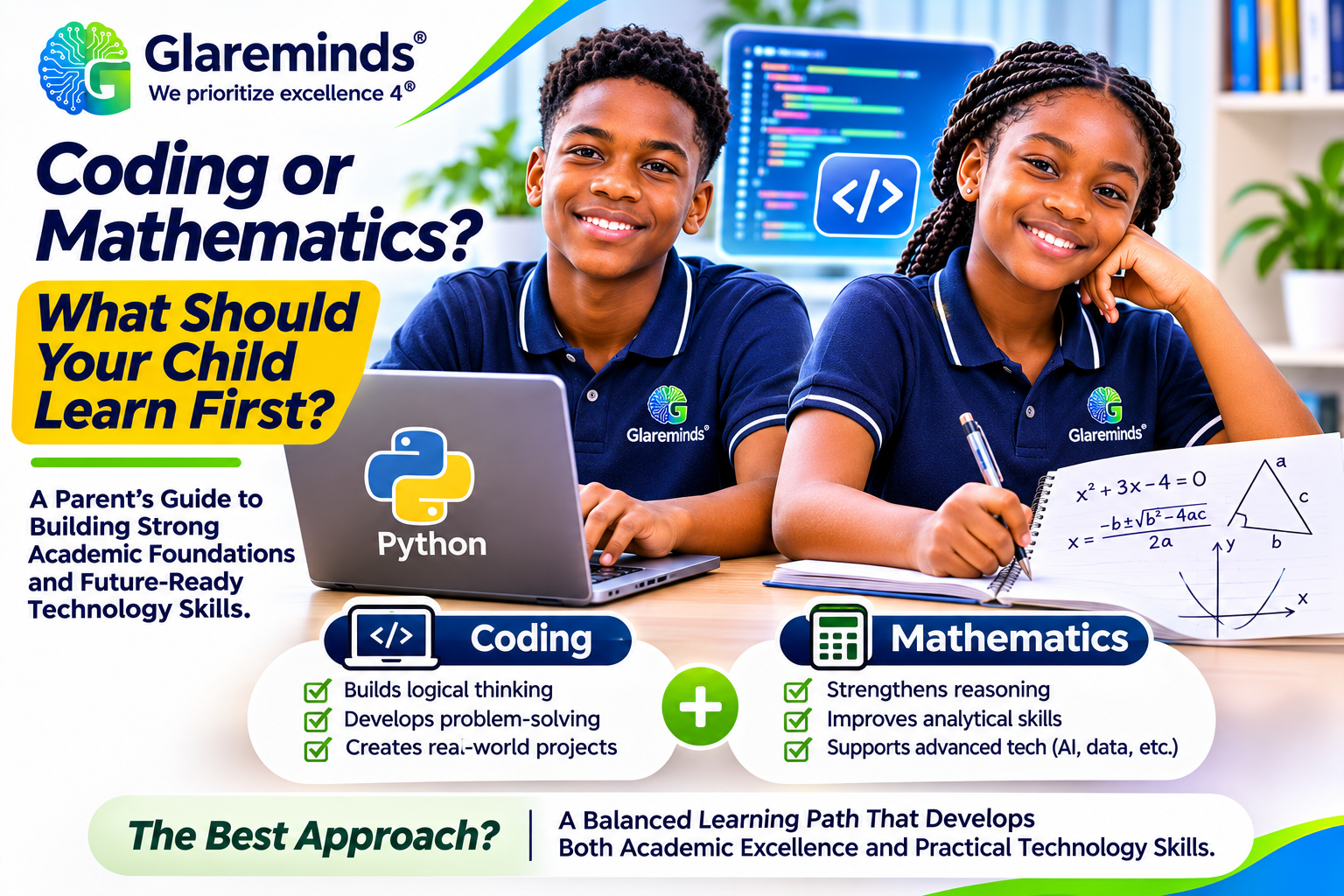
Your child enjoys computers, talks about building applications or dreams of becoming a software engineer. But what should they actually learn before going to university?
Technology is changing how people work, communicate, learn and do business.
From mobile applications and online banking to artificial intelligence, robotics and software platforms, technology has become an important part of modern life.
Naturally, many young people are beginning to develop an interest in software engineering.
Some want to build mobile applications. Others enjoy computer games, websites, artificial intelligence or experimenting with programming languages.
When a child expresses an interest in becoming a software engineer, parents often begin asking questions:
- Should my child start learning Python?
- Is Mathematics compulsory for software engineering?
- Should they learn web development before university?
- Which programming language should they start with?
- Does my child need to attend a coding academy?
- What can they do now to prepare for a technology career?
The good news is that children do not have to wait until university to begin developing useful software engineering skills.
They can start exploring programming, strengthening their academic foundations and building small projects while still in primary or secondary school.
However, preparation should be progressive. The objective is not to turn a young learner into a professional software engineer overnight. It is to help them develop the knowledge, curiosity and practical skills that will support their future development.
At Glareminds, we believe that strong academic foundations combined with practical technology education can give young learners valuable opportunities to explore their interests.
Here is what parents should consider.
1. Start with Mathematics: Build the foundation for technical thinking
Mathematics is one of the most important academic subjects for students interested in software engineering.
Although not every software development task requires advanced mathematical calculations, mathematical reasoning is valuable in many areas of computer science.
Your child should gradually develop confidence in:
- Arithmetic and number operations.
- Fractions, decimals and percentages.
- Algebra.
- Geometry.
- Patterns and sequences.
- Ratio and proportion.
- Statistics and probability.
- Logical reasoning and problem-solving.
Why does this matter?
Consider a student developing a simple computer game.
They may need to calculate how far a character moves, determine its position on a screen, calculate scores or understand how objects interact.
A learner exploring data analysis may need to understand averages, percentages, graphs and statistics.
Someone interested in artificial intelligence may eventually encounter probability, algebra, statistics and linear algebra.
Mathematics also teaches children how to break problems into smaller steps, identify relationships and reason systematically.
These abilities are useful in programming.
What parents should do: Do not allow your child to neglect Mathematics simply because they are enthusiastic about coding. Encourage them to strengthen their mathematical foundations alongside technology lessons.
2. Introduce programming fundamentals
Programming is at the heart of software development.
It involves writing instructions that tell computers how to perform specific tasks.
A child interested in software engineering should gradually learn how programmes are structured and how different instructions work together.
Important programming concepts include:
Variables: Used to store information.
Data types: Different kinds of information, such as numbers, text and Boolean values.
Conditions: Allow programmes to make decisions.
Loops: Allow instructions to be repeated.
Functions: Organise reusable sections of code.
Lists and collections: Help programmes store and manage multiple pieces of information.
Debugging: Identifying and correcting errors in code.
For example, consider this simple Python programme:
name = input("Enter your name: ")

print("Welcome, " + name)
Although simple, it introduces the idea that a programme can receive information from a user and produce an output.
As the learner progresses, they can combine these concepts to build more useful applications.
The objective is to understand how programmes work rather than simply memorise commands.
3. Learn Python: A useful starting point for young programmers
<Entity value="Python" category="software" disambig="General-purpose programming language"/> is one of the programming languages worth considering for beginners.
Its readable syntax makes it suitable for introducing programming concepts without requiring learners to deal with unnecessarily complicated language structures at the beginning.
Python is used in several areas, including:
- Software development.
- Automation.
- Data analysis.
- Artificial intelligence.
- Machine learning.
- Scientific computing.
- Backend development.
A young learner can start with simple projects and gradually develop more advanced applications.
For example, they might create:
A basic calculator
A programme that performs addition, subtraction, multiplication and division.
A number-guessing game
A game in which the computer selects a number and the user tries to guess it.
A quiz application
A programme that asks questions, checks answers and calculates a score.
A simple student record system
A basic application that stores names and examination scores.
A personal project
A programme designed to solve a small problem the learner has identified.
Python can also provide a foundation for exploring data and introductory artificial intelligence concepts later.
However, children should not be rushed into advanced Python projects before understanding the fundamentals.
4. Learn HTML, CSS and JavaScript
If your child is interested in websites, online platforms or interactive applications, web development is an excellent area to explore.
Web development introduces learners to how websites are structured, designed and made interactive.
Three important technologies are:
HTML – HyperText Markup Language
HTML provides the structure of a webpage.
It defines elements such as headings, paragraphs, images, links, forms and sections.
CSS – Cascading Style Sheets
CSS controls how webpages look.
It is used to manage colours, spacing, layouts, typography and responsive designs.
JavaScript
JavaScript adds interactivity and functionality to webpages.
It can be used to validate forms, respond to user actions, update page content and create interactive applications.
A beginner can start by building a simple personal website.
The website could include:
- A homepage.
- An introduction.
- A section about hobbies and interests.
- A project gallery.
- A contact section.
As the learner develops, they can build more complex websites and interactive applications.
This provides an opportunity to understand how the technologies work together to produce a functioning website.
5. Understand how software engineering differs from simply writing code
One important lesson young learners should understand is that software engineering involves more than writing programming instructions.
A software engineer must think about the problem being solved, the people who will use the software and how